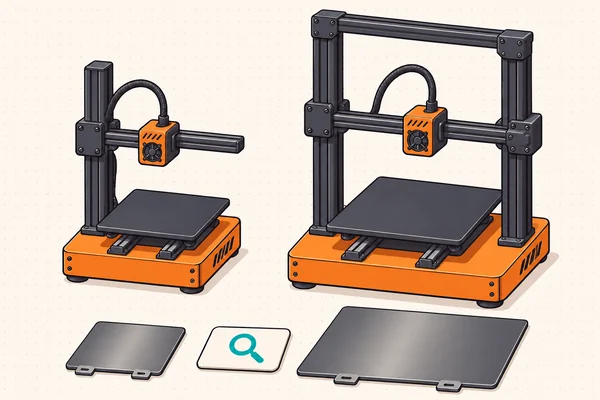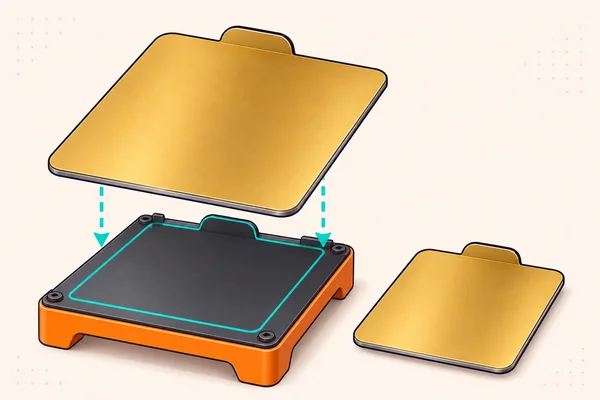
Choose the correct smooth PEI plate size
A different surface needs the right variant and settings.
Browser storage is unavailable: your choices will not be saved on this device.
You are offline: you are viewing the pages saved on this device.
Guides30
Practical guides to the most common 3D printer problems, with checks to do before buying.
No results with these filters.
A different surface needs the right variant and settings.
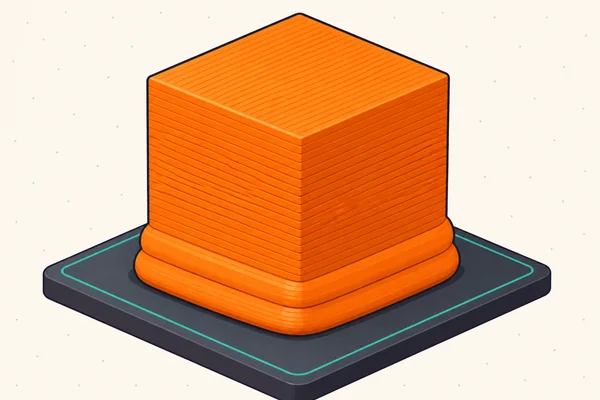
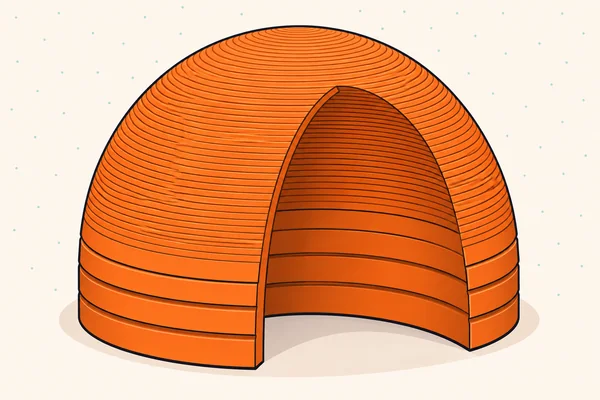
Why the first layer spreads out (elephant's foot), how to measure it and how to correct it with slicer compensation, the first layer and the bed temperature, with guidance from Prusa, Bambu Lab and Anycubic.
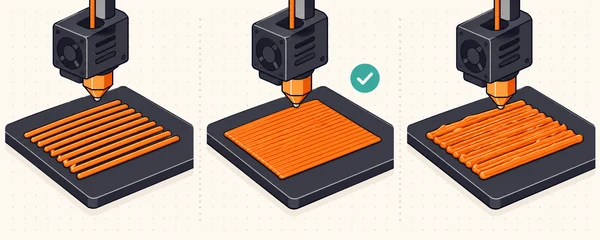
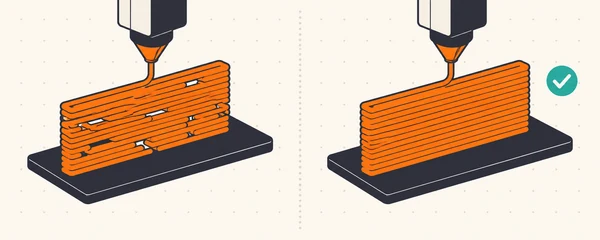
How to recognise a first layer that is too high, too squished or uneven and fix it in order: plate cleaning, slicer profile, leveling, Z offset. Based on official guidance from Bambu Lab, Prusa, Creality, Elegoo and Anycubic.
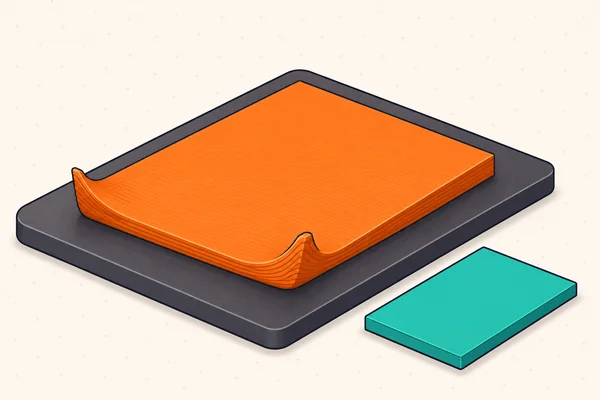
Why corners curl and how to reduce it: plate cleaning, drafts, enclosure, bed temperature, brim and ears, cooling and glue. Based on official guidance from Bambu Lab and Prusa and on user experience.
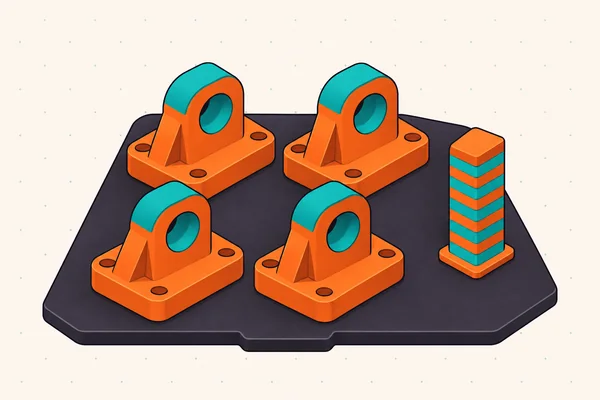
Compare identical copies and offset bands for the same finished quantity, keeping total consumption separate from estimated average flushing.
How to tell a blockage in the PTFE tube, the extruder or the hotend apart, when to use the needle and cold pull, how to recognise heat creep, and when replacing the nozzle, PTFE tube or gears is actually justified.
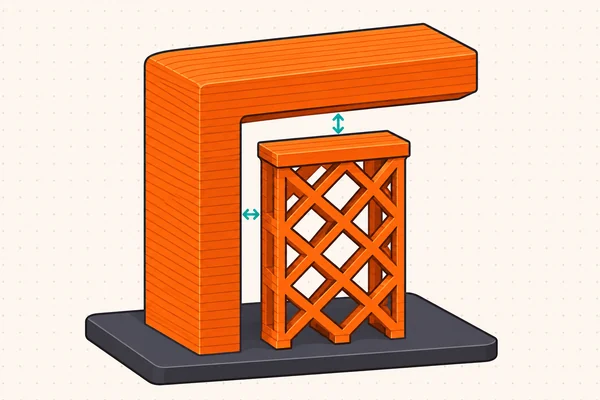
Separate top Z distance, XY separation and interface spacing, then compare removal and surface quality with one change at a time.
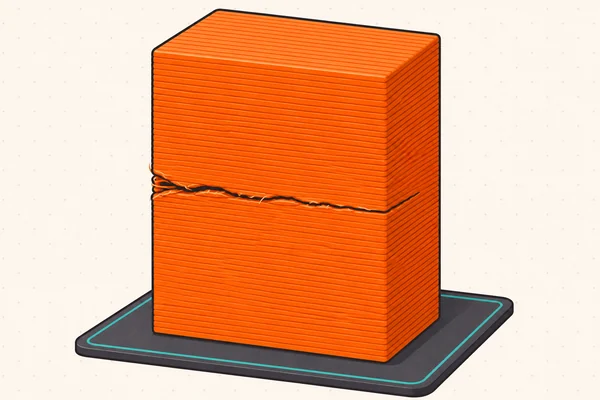
How to recognise delamination, the main causes (temperature too low, too much cooling, draughts, insufficient flow, layers too tall) and the checks to do in order, with guidance from Prusa, Bambu Lab and Creality.
Select texture with a modifier or painting, then inspect the perimeters in Preview. A guide based on Prusa documentation.
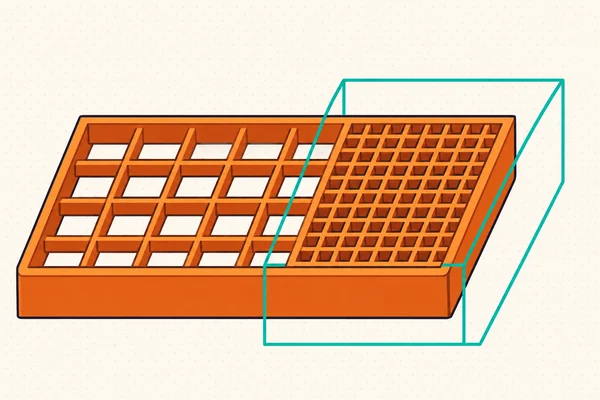
Change density in one region with a single geometric modifier, then check several layers in Preview. A procedure based on PrusaSlicer 2.9 Legacy documentation.
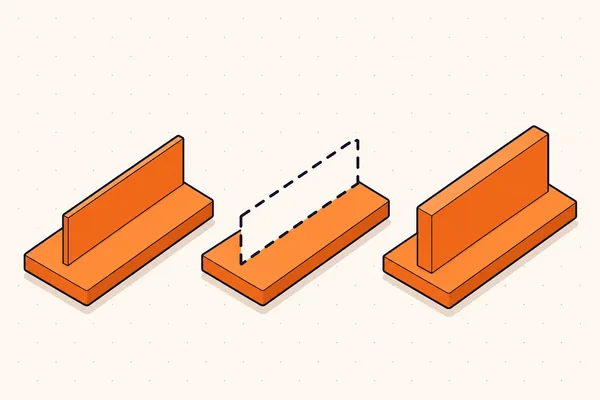
A feature visible in the model can disappear after slicing. Compare toolpaths, separate the feature threshold from line width, and check the recovered shape.
Interpret the signal and find the official checks for your configuration.
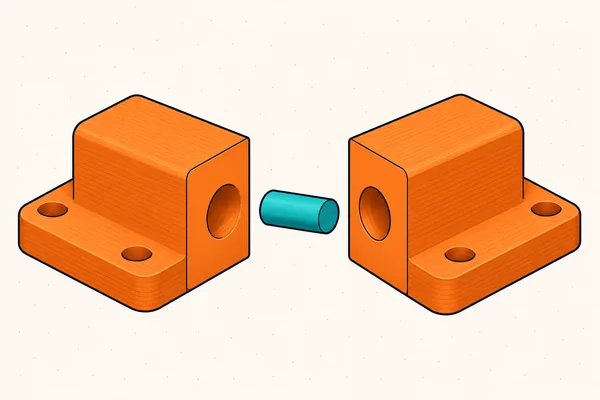
Position the cut plane, choose Dowel and distinguish objects from parts. A PrusaSlicer 2.9 Legacy documentation workflow with checks before printing.
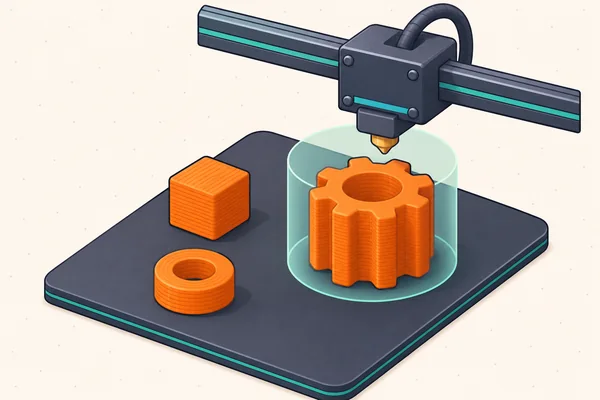
Review sequence, moving-assembly space and transitions between objects within the documented 2.9 Legacy scope.
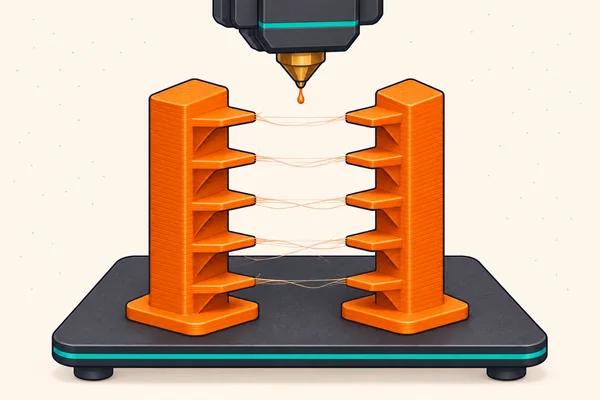
How to recognise stringing and oozing, the main causes (wet filament, temperature, retraction, travel moves, nozzle) and the checks to do in order, with official guidance from Prusa, Bambu Lab, Creality and Elegoo.
Use Adaptive, Smooth and manual edits; then re-slice and check your project. A procedure based on PrusaSlicer 2.9 Legacy documentation.
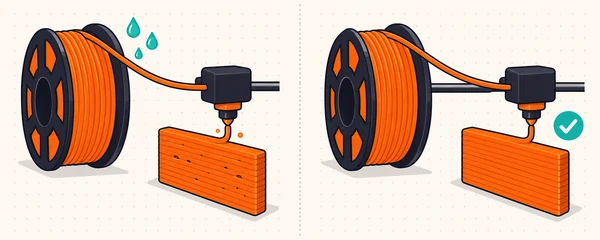
Symptoms of filament that has absorbed moisture, the most sensitive materials, how to dry following Bambu Lab and Prusa official tables without damaging spool or filament, and how to keep it dry.
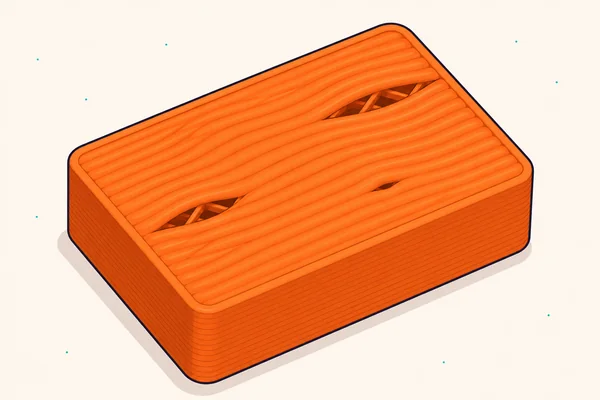
Why the top face of parts ends up full of holes, rough or bulging (pillowing) and what to adjust in the slicer: number of top layers, infill, cooling and flow, with guidance from Prusa.
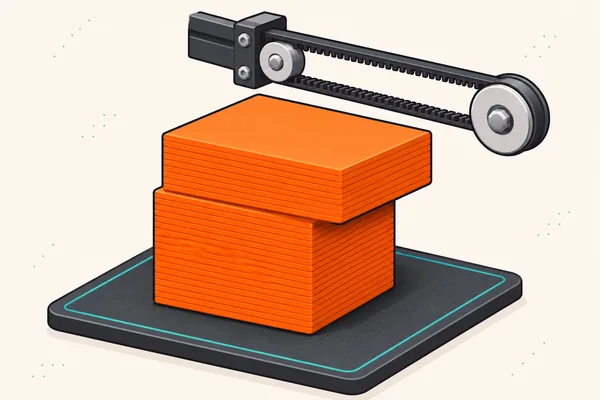
Why layers shift along X or Y and how to find the cause: obstructions, collisions with curled parts, belts, pulleys, speed, electronics cooling and motors, with official guidance from Prusa, Bambu Lab, Creality, Elegoo and Anycubic.
Use Seam Center to choose an area on an outer wall and inspect the result in preview, within the limits of the documentation.
Separate hole and outside measurements, then choose the direction of a measured trial.
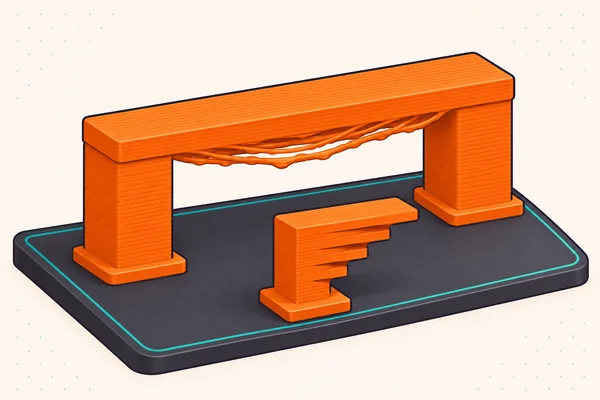
Why overhangs and bridges curl, droop or sag and what to adjust in the slicer (fan, overhang speed, temperature, layer height, supports), with guidance from Prusa and Bambu Lab.
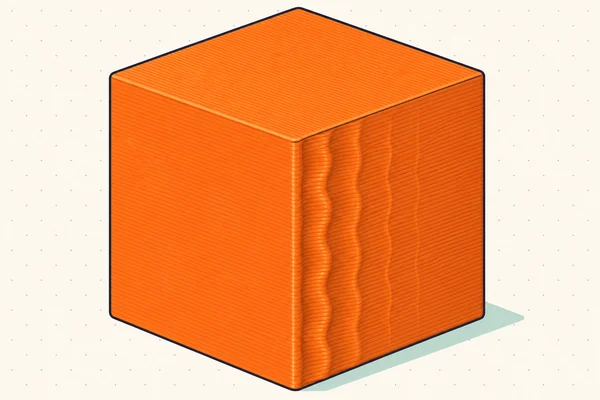
What ringing (or ghosting) is, why it appears after corners and lettering, and how to fix it in order: printer surface, loose parts, belts, lubrication, vibration calibration (input shaping), speed and acceleration.
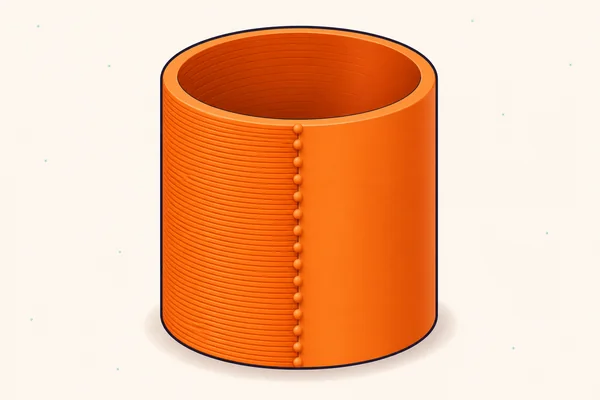
Why a vertical line or a scattering of dots (zits) appears on every wall, how to choose the seam position in the slicer, when to use scarf seams and what to check in flow, pressure advance and wet filament, with guidance from Prusa and Bambu Lab.
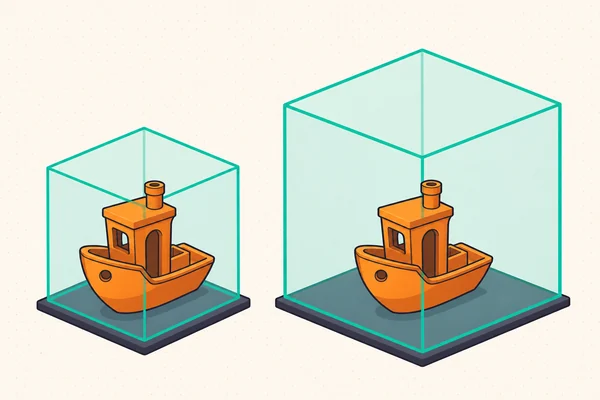
Compare A1 and A1 mini build volume, machine size, maximum bed temperature and replacement part selection using documented manufacturer specifications.
Check the model, bundle and bed size before choosing.
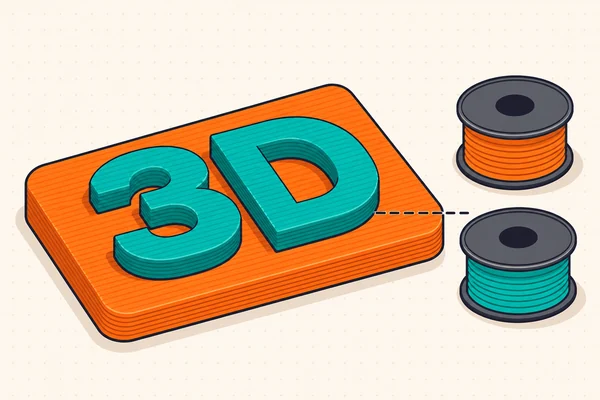
Insert an M600 change between a base and raised lettering, inspect Preview and confirm firmware support. A documentation-based single-extruder FDM/FFF guide.
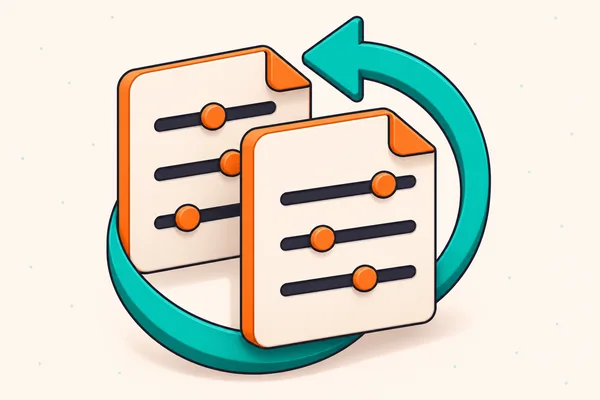
Create a snapshot before changing FFF profiles and learn how to reactivate it. Controls, result checks and limits based on the PrusaSlicer 2.9 Legacy documentation.
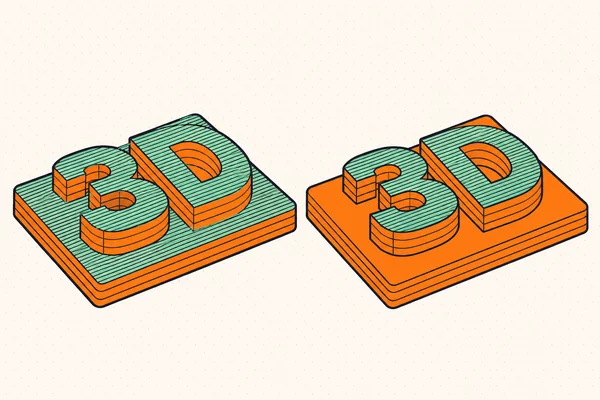
Compare All top surfaces and Topmost surface only on a nameplate with raised letters: paths, estimated times and limits in the PrusaSlicer 2.9 Legacy documentation.
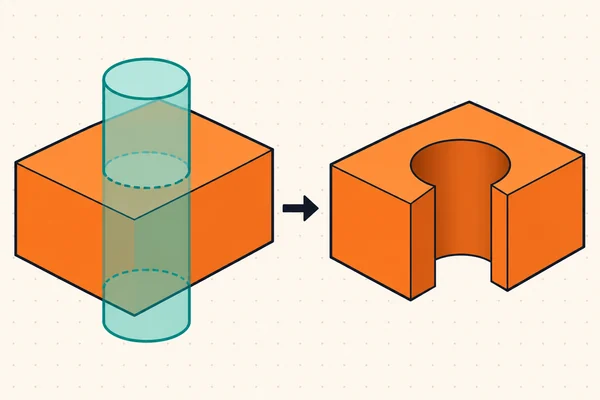
Add a negative volume, extend it beyond both surfaces and inspect the slice. An FDM/FFF guide based on PrusaSlicer 2.9 Legacy documentation.
From the symptom on your print to the checks to run and the right guide.
Which printers support PLA, PETG, ABS, TPU, nylon and fibre-filled filaments.
Cost of a print and metres of filament from weight.